Creator Assets Library › Color LUT
★ Color LUT
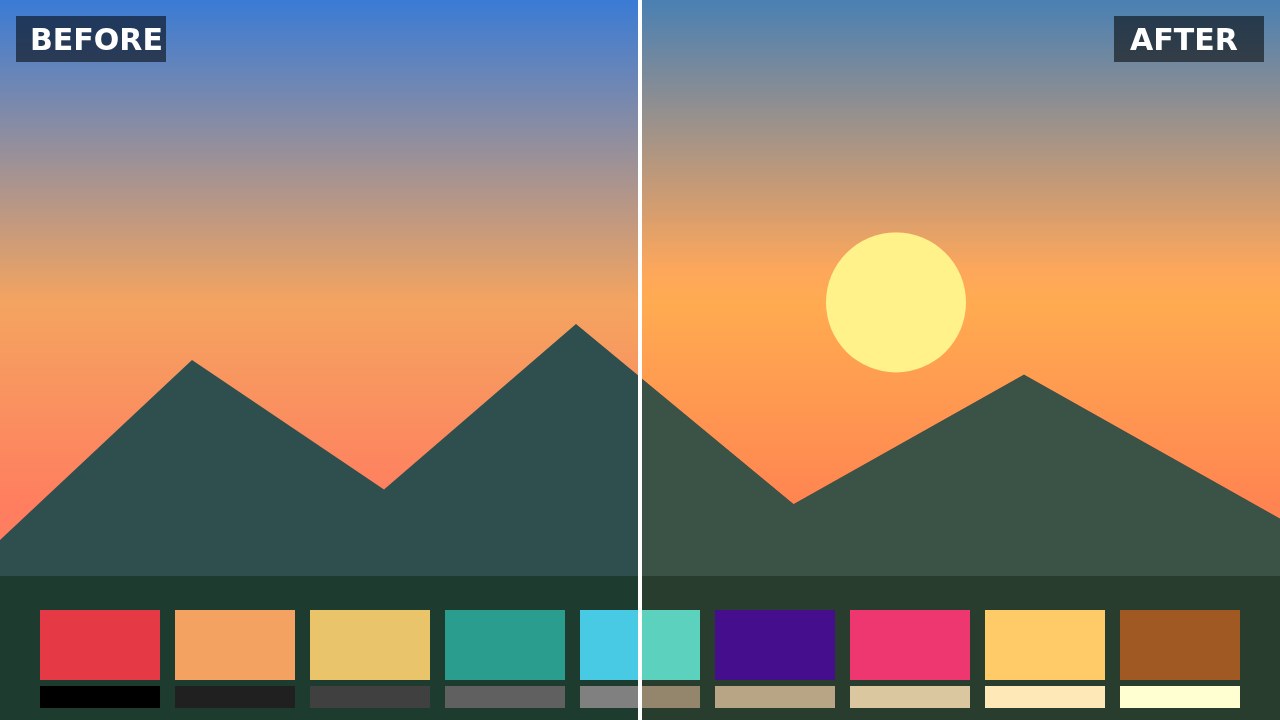
Golden Hour LUT
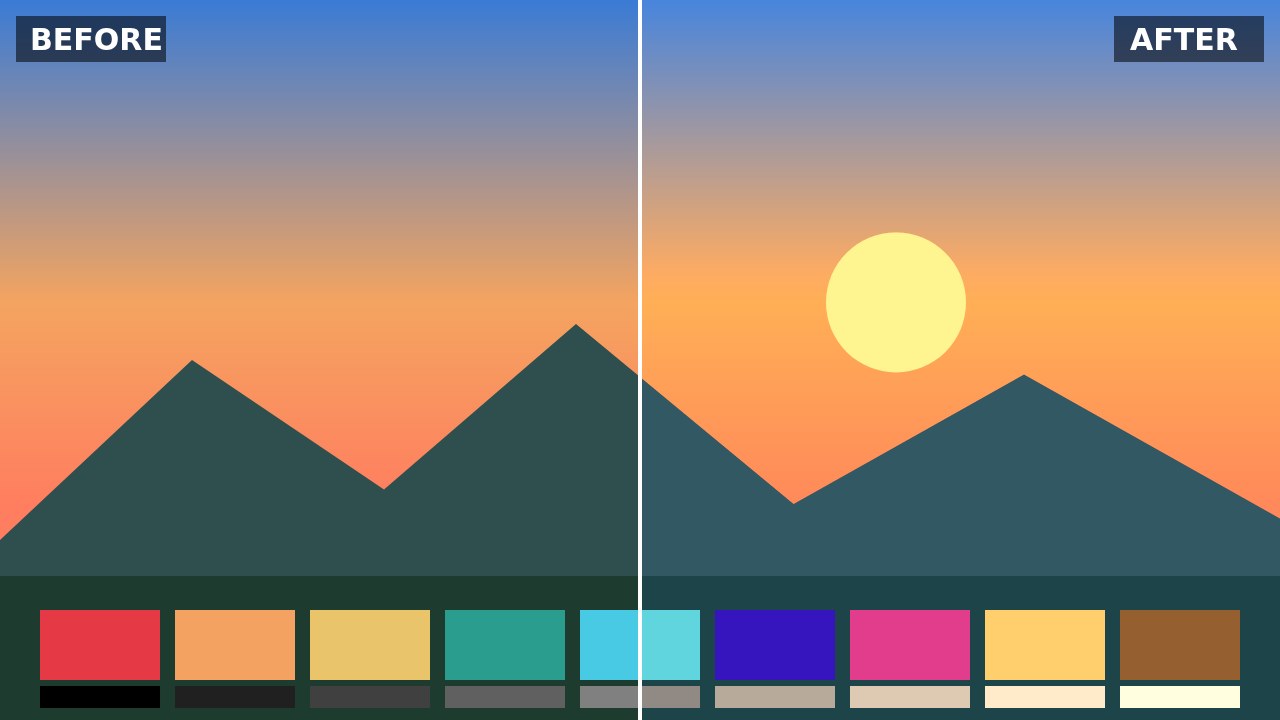
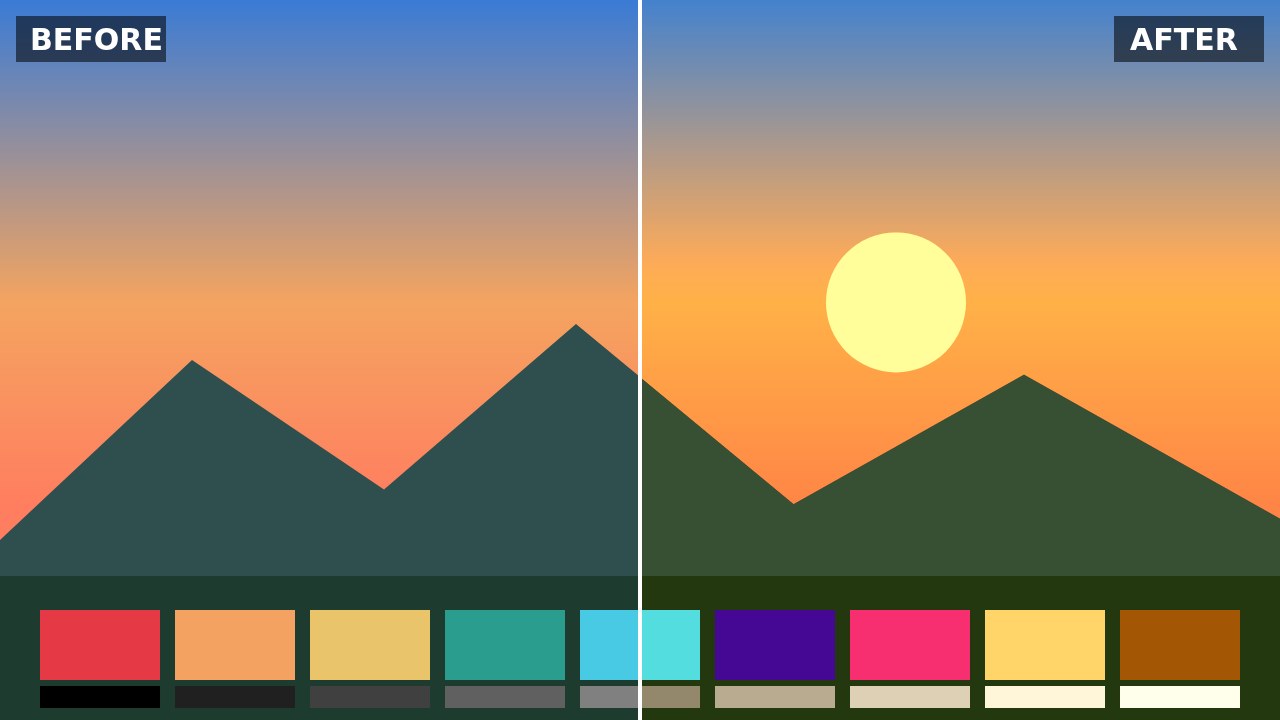
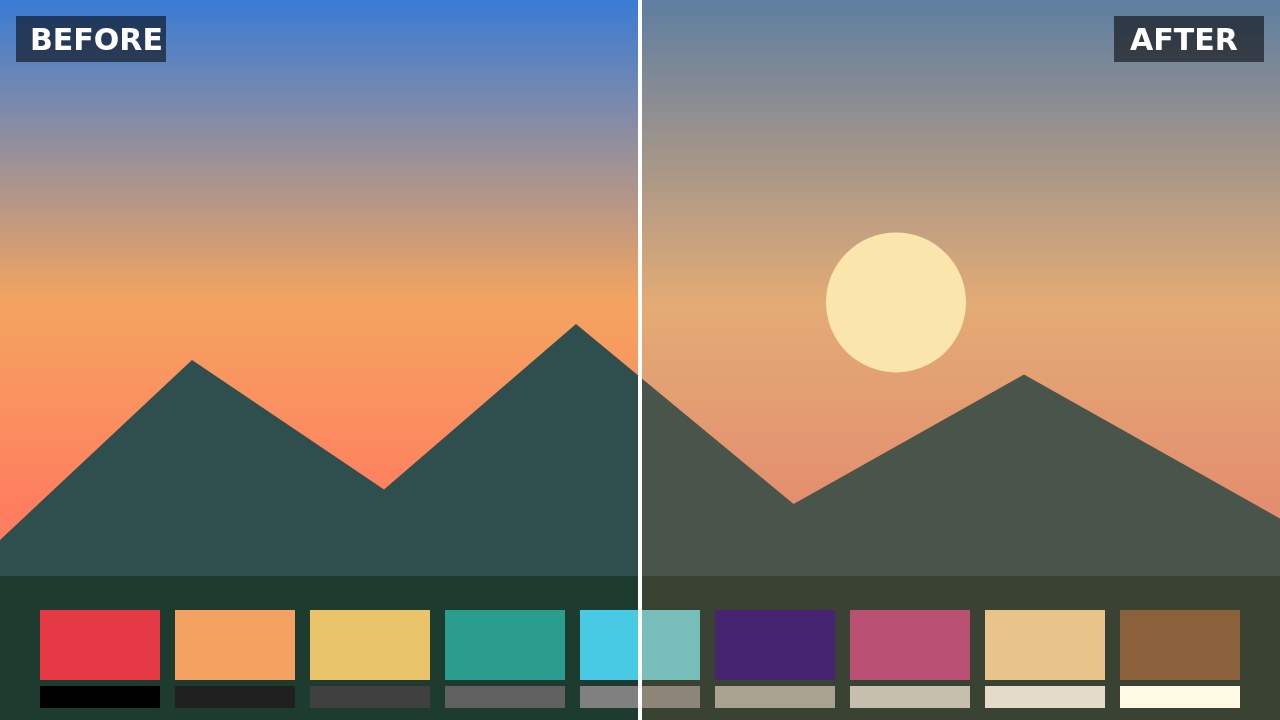
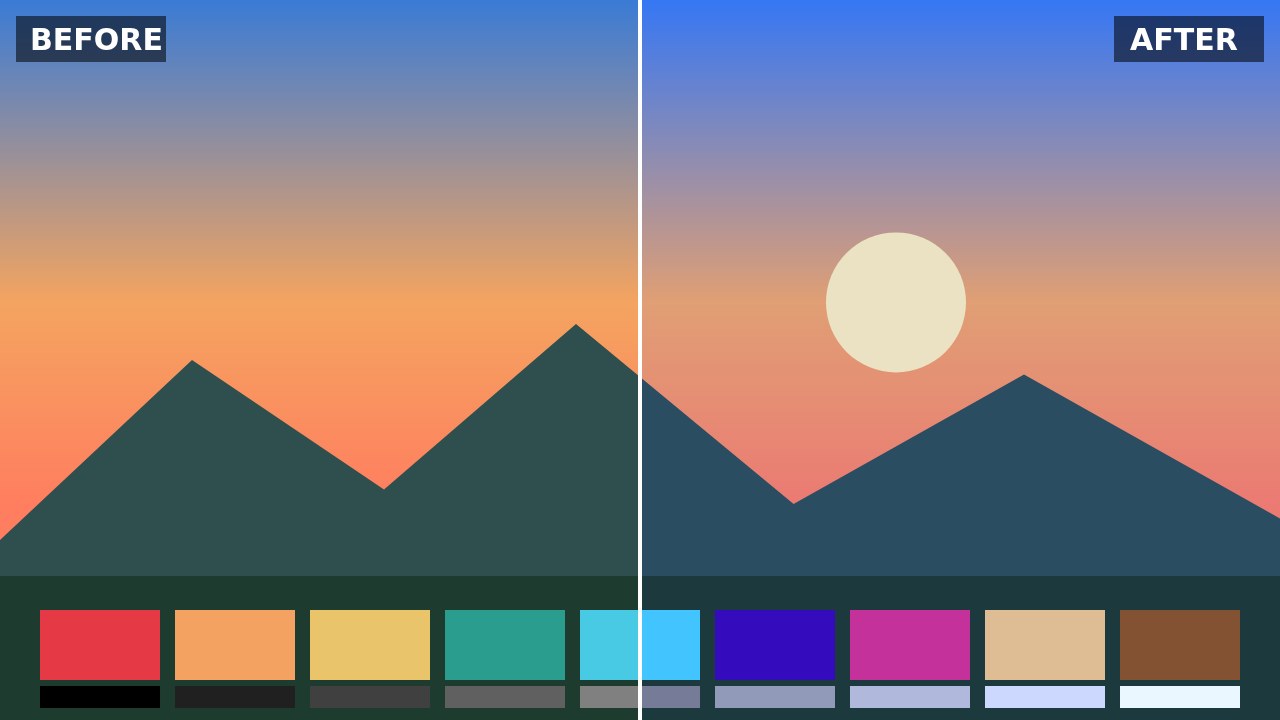
The Golden Hour LUT imitates late-afternoon sun: the whole frame warms up, highlights turn honey-gold and shadows keep a hint of violet so they don't go muddy. It is ideal for outdoor shots, backlit portraits, fields, beaches and videos that should feel soft and romantic.
How to use: in DaVinci Resolve, drop the .cube file into your LUT folder and apply it to a node; in Premiere Pro, go to Lumetri Color › Creative › Look › Browse; in CapCut desktop, open Adjust › LUT › Import. Balance white and exposure before applying a LUT, then lower the intensity if the look is too strong.
CC0 license: free for any use, including commercial, no attribution required. Created by AllFreeDownload.
Download
Try it in the LUT color grading tool →
Details
- Resolution
- 33³
- Format
- CUBE
- Transparent background
- No
- Downloads
- —
- License
- CC0 1.0 — free for any use, including commercial, no attribution required.