Creator Assets Library › Color LUT
★ Color LUT
Teal & Orange LUT
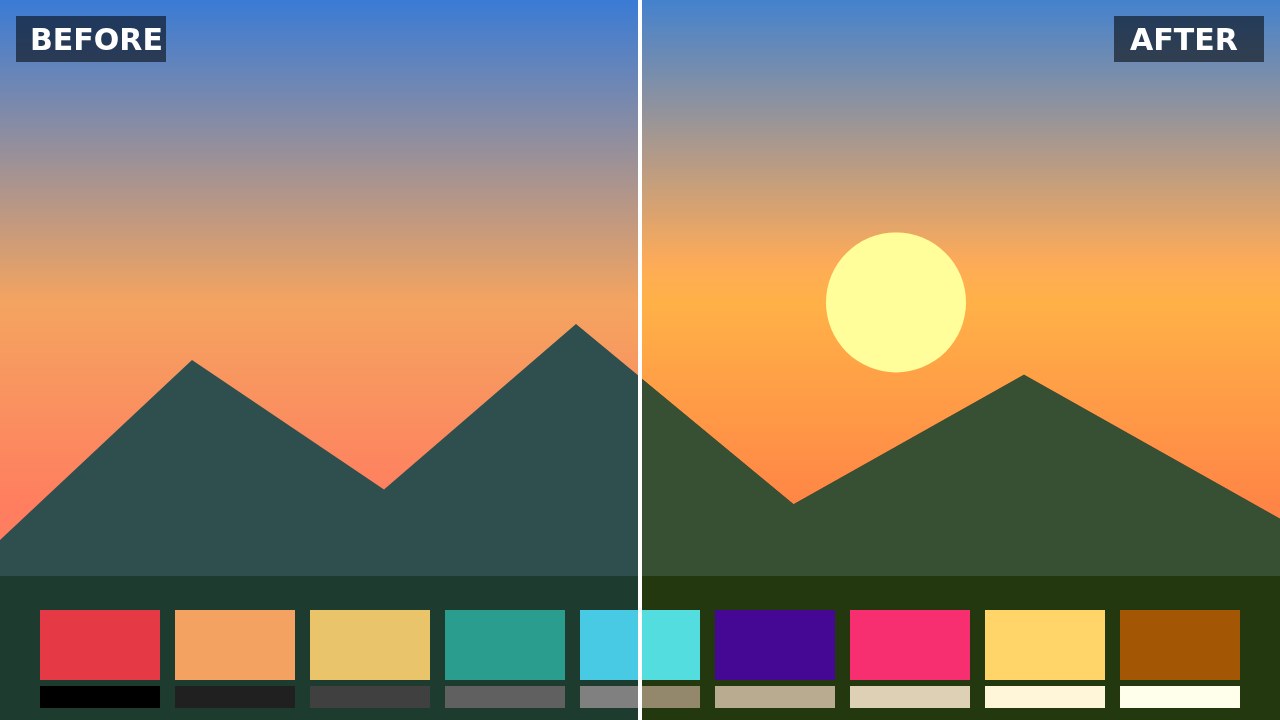
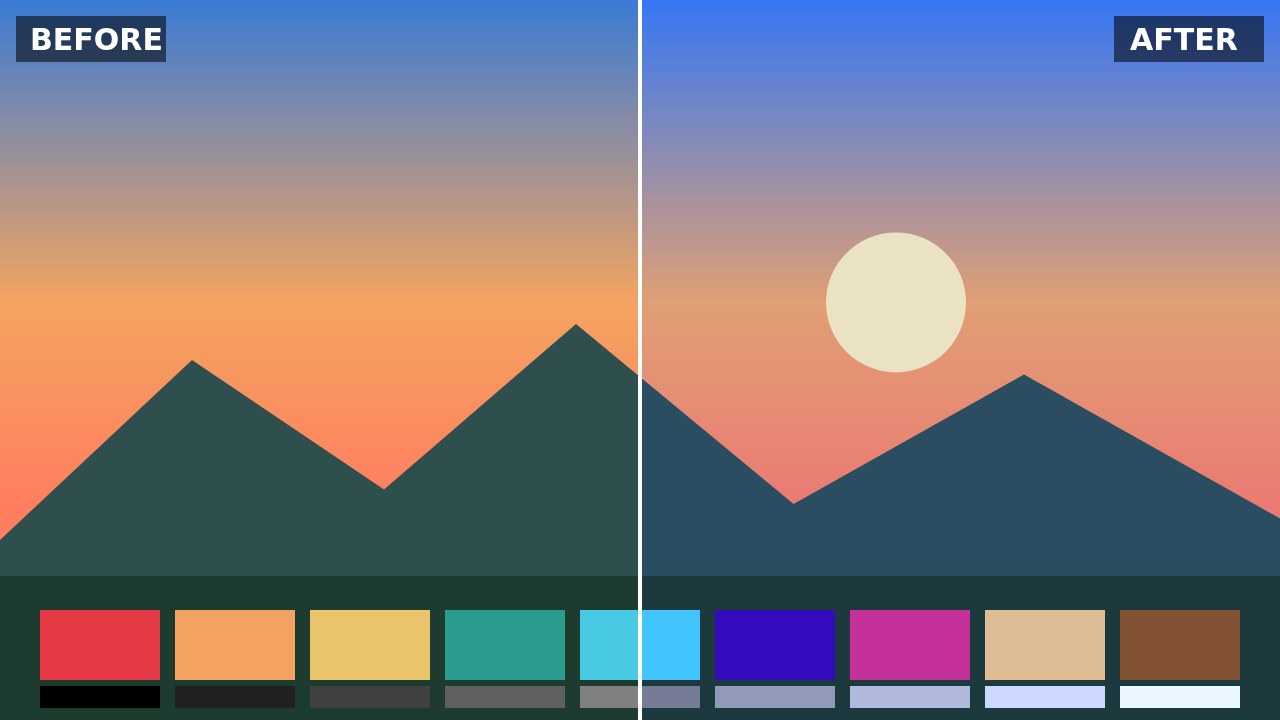
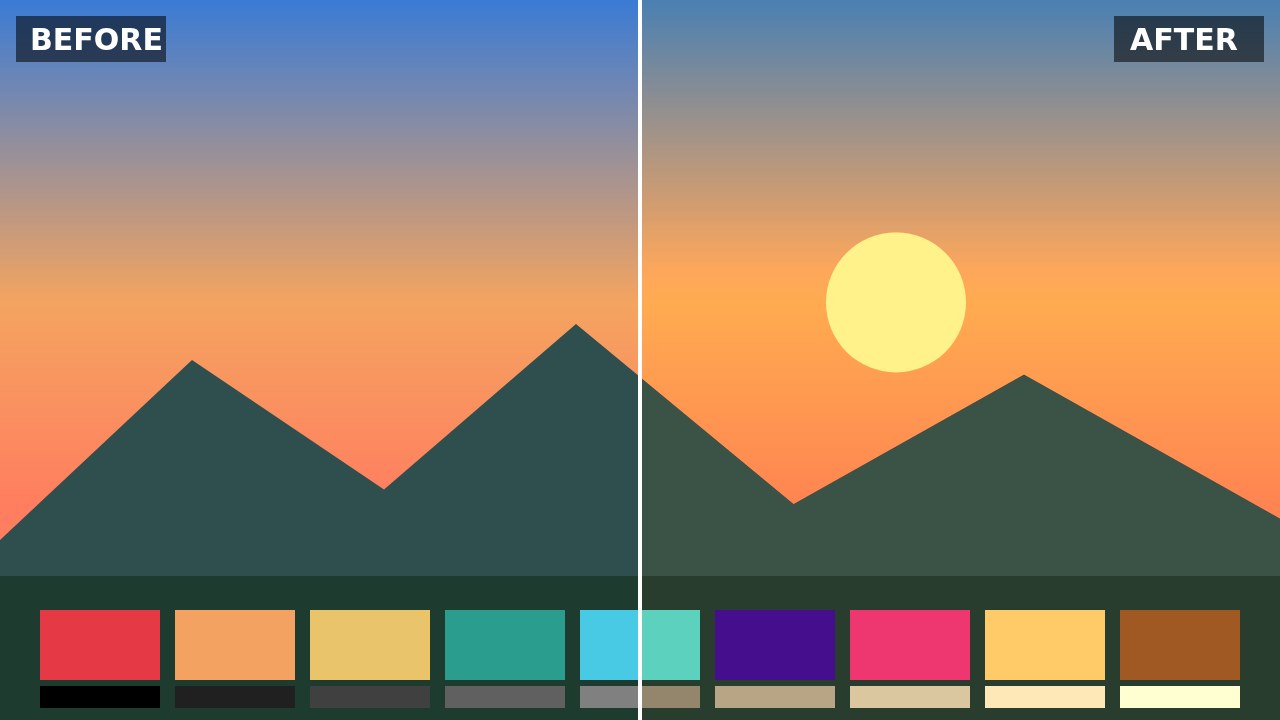
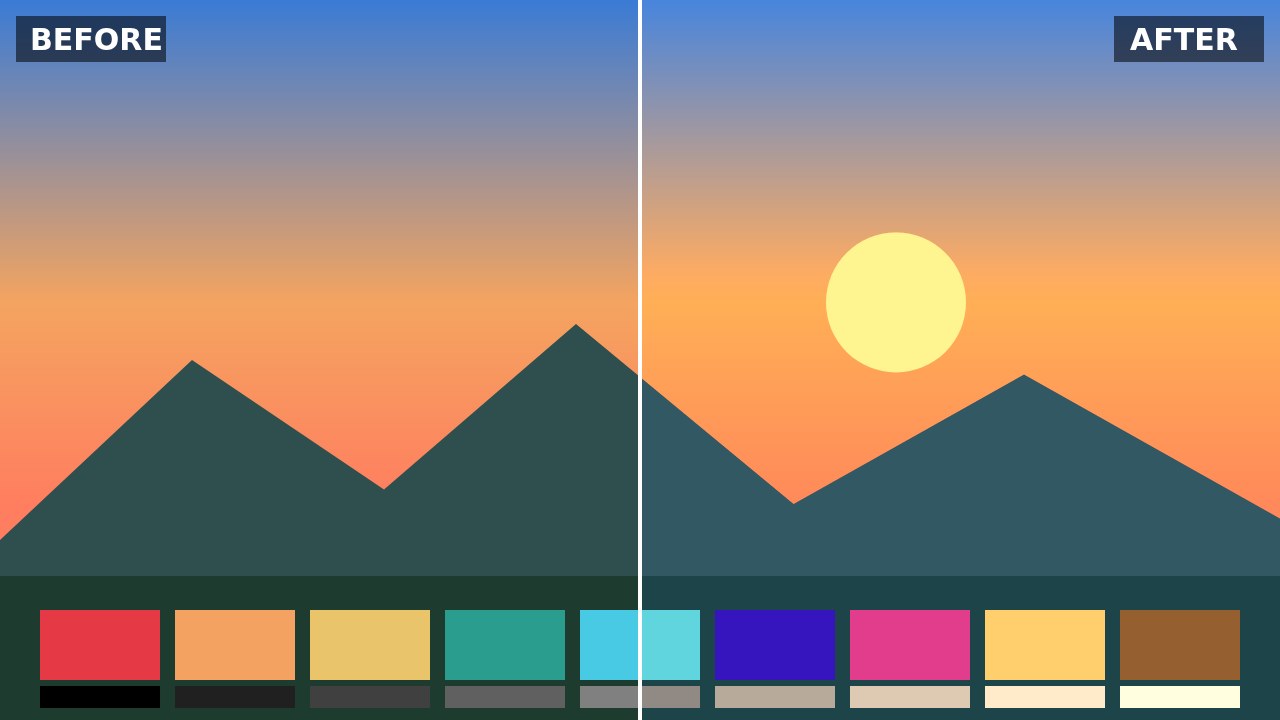
The Teal & Orange LUT gives a blockbuster look: shadows lean teal while highlights and skin tones turn warm orange, so your subject pops off the background. It suits travel vlogs, sunsets, city nights and action clips best, and is less flattering on scenes already full of green.
How to use: in DaVinci Resolve, drop the .cube file into your LUT folder and apply it to a node; in Premiere Pro, go to Lumetri Color › Creative › Look › Browse; in CapCut desktop, open Adjust › LUT › Import. Balance white and exposure before applying a LUT, then lower the intensity if the look is too strong.
CC0 license: free for any use, including commercial, no attribution required. Created by AllFreeDownload.
Download
Try it in the LUT color grading tool →
Details
- Resolution
- 33³
- Format
- CUBE
- Transparent background
- No
- Downloads
- —
- License
- CC0 1.0 — free for any use, including commercial, no attribution required.