Creator Assets Library › Color LUT
★ Color LUT
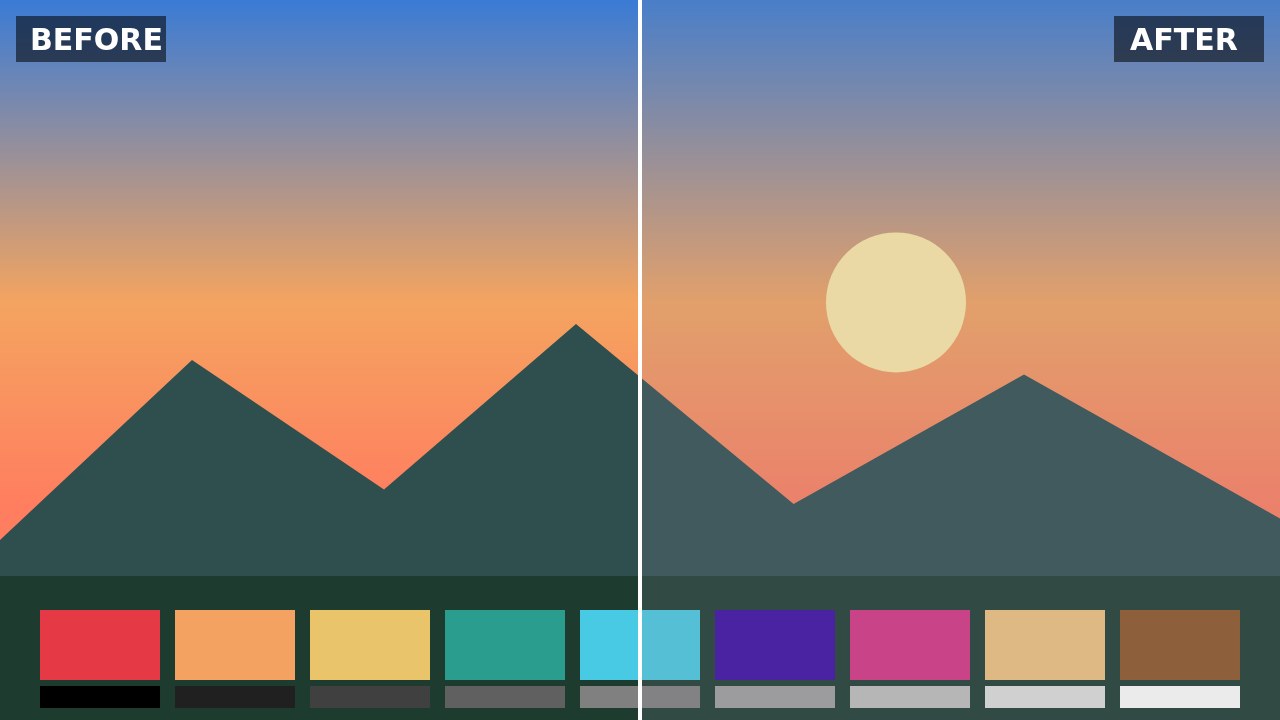
Matte Fade LUT
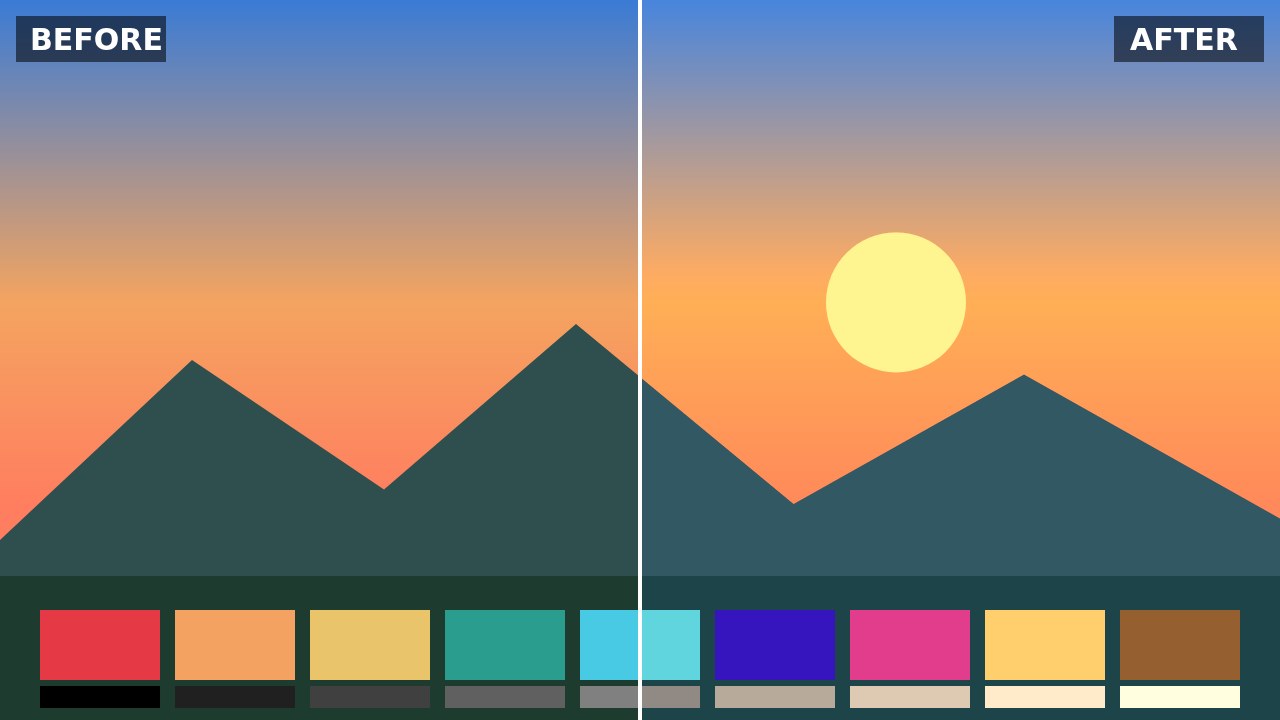
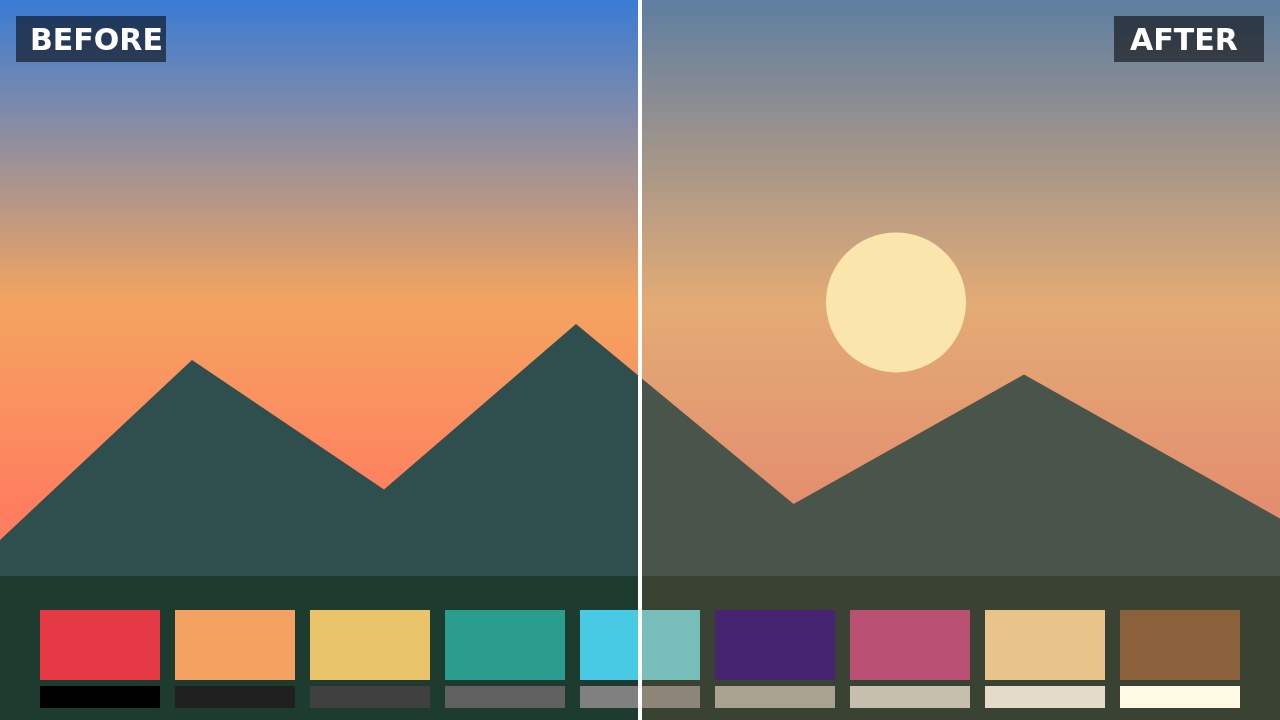
The Matte Fade LUT lifts blacks into gray, lowers the white point and softens contrast for the gentle matte look popular on Instagram and TikTok. It suits lifestyle, fashion, café and outfit videos, pastel product shots and any clip that should look soft and refined.
How to use: in DaVinci Resolve, drop the .cube file into your LUT folder and apply it to a node; in Premiere Pro, go to Lumetri Color › Creative › Look › Browse; in CapCut desktop, open Adjust › LUT › Import. Balance white and exposure before applying a LUT, then lower the intensity if the look is too strong.
CC0 license: free for any use, including commercial, no attribution required. Created by AllFreeDownload.
Download
Try it in the LUT color grading tool →
Details
- Resolution
- 33³
- Format
- CUBE
- Transparent background
- No
- Downloads
- —
- License
- CC0 1.0 — free for any use, including commercial, no attribution required.